
Selecting an Application Form when posting your advert
- To choose use and application form when posting your advert, complete the advert details on the first posting page as normal.
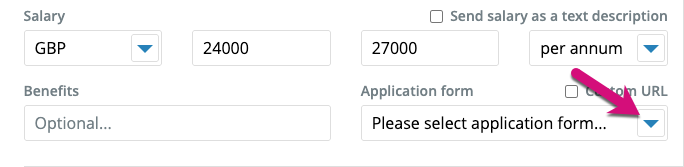
- Click on the drop down arrow underneath the ‘Application form’ label.
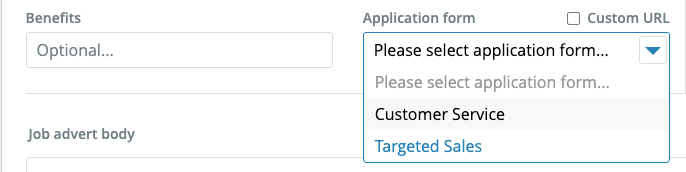
- Select the application form you wish to use from the drop down list.
- Complete your advert details and proceed to select your posting destinations as normal.
Note
Not all posting destinations support the Application Forms feature. At this current time they are supported by:
- Indeed
However, you can still select all the destinations you want to post to at the same time. If any of the above are included, we will apply the Application Form to their posting.