
Atlas - posting and managing candidates
Before posting your first Job, please ensure that your idibu account is connected to your Atlas account by following this article.
Posting adverts through idibu
- In your Atlas account, navigate to your Jobs section.
- Create a new or open any existing Job and click the Job description tab at the top.
-
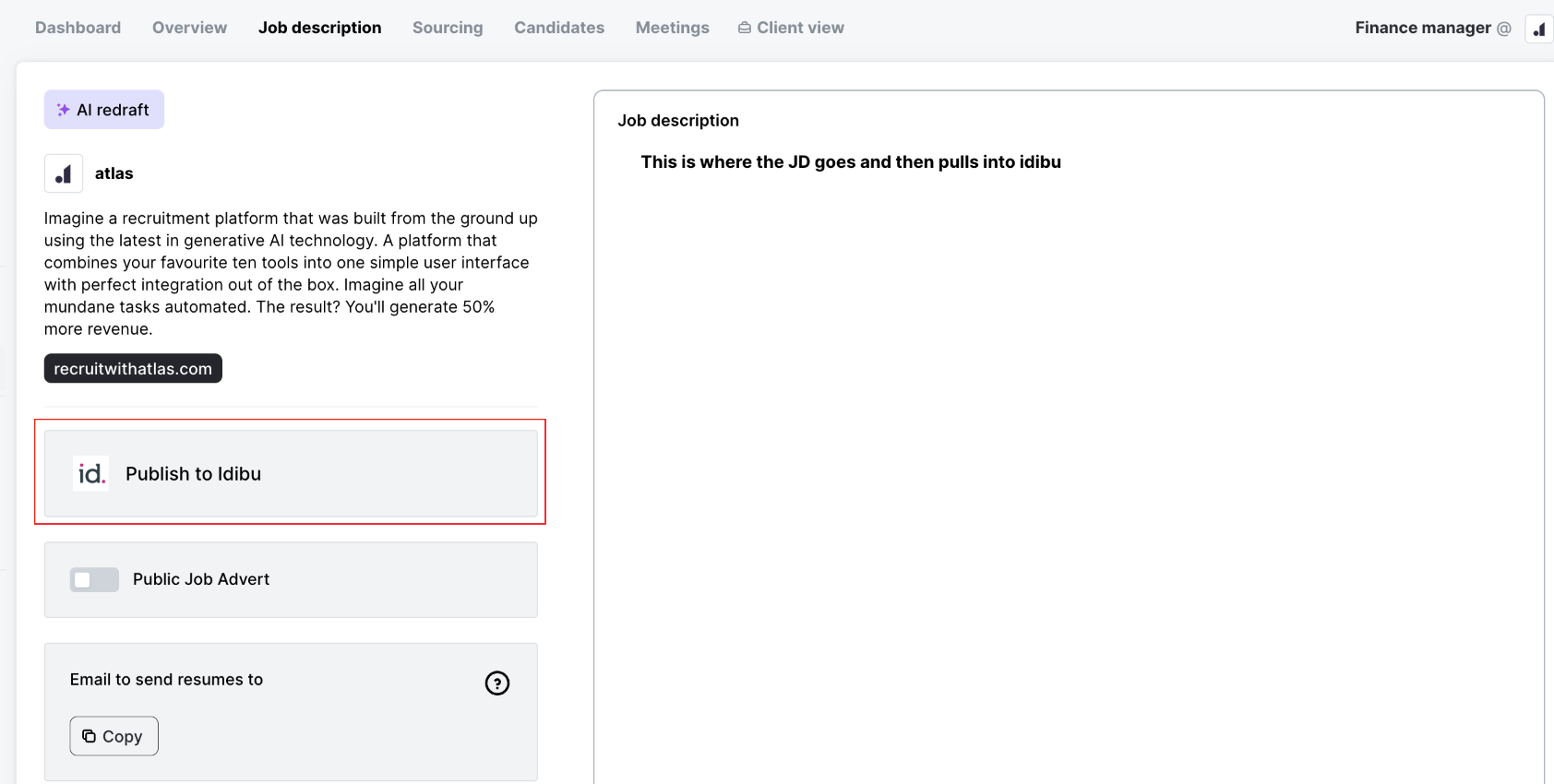
Once the description is drafted, click Publish to idibu.
-
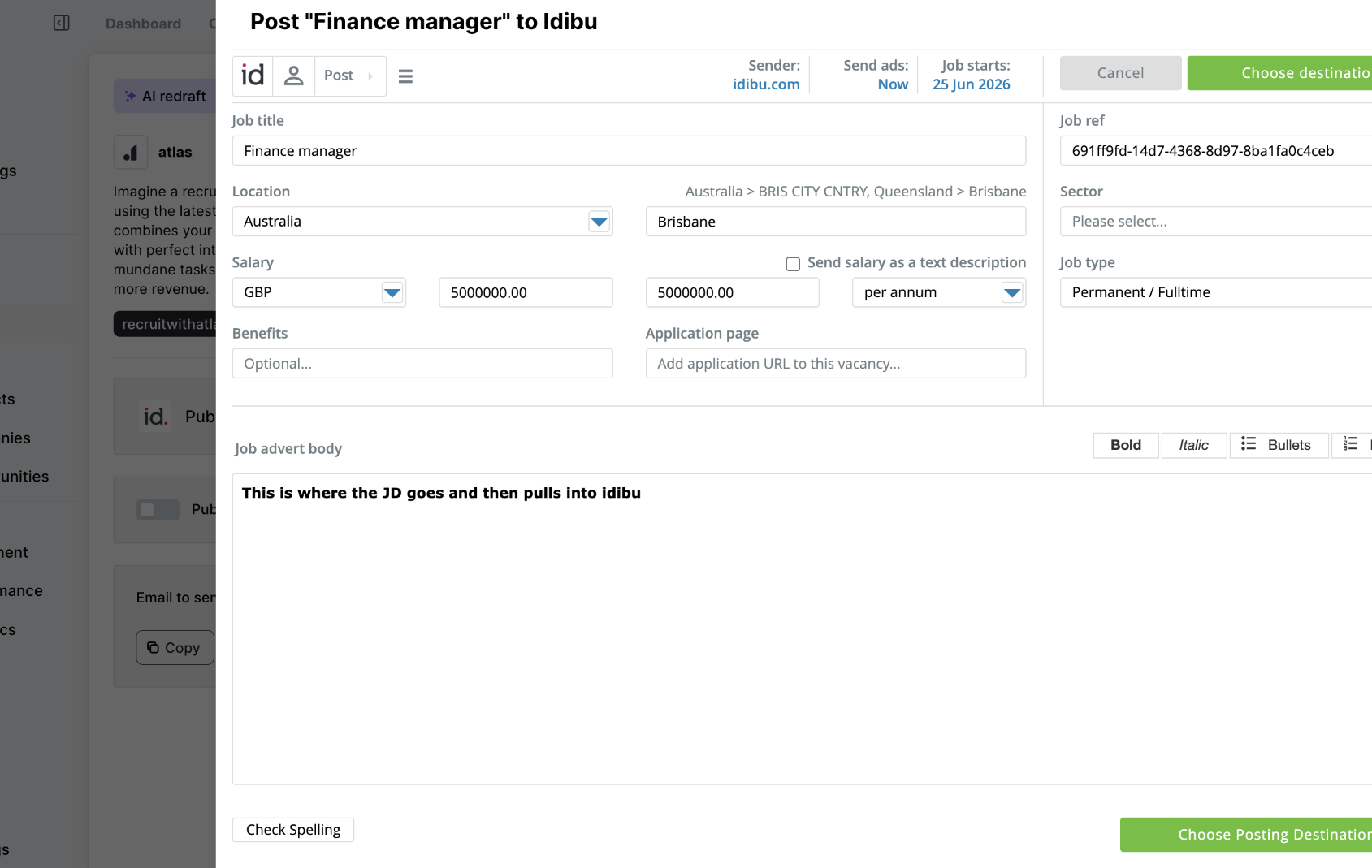
idibu's job posting interface will open - or, for any already-posted ads, the connected idibu Vacancy dashboard. From there, you can follow the standard idibu CRM usage.
Note
Please make sure not to change the Job ref in the idibu posting form - it is used to connect your Adverts and Candidates to your Atlas account.
Managing idibu candidates
All candidates who apply for your Atlas adverts posted via idibu will be automatically pushed to your Atlas account - you can then review and process them further under the Sourcing tab of your Job, same as any other Applicants in Atlas.